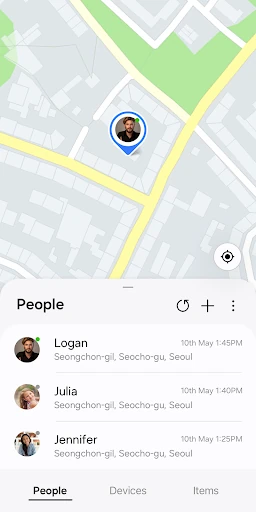
What Samsung Find does
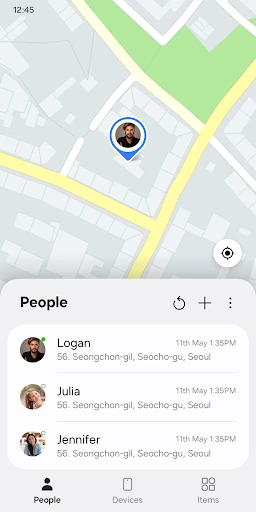
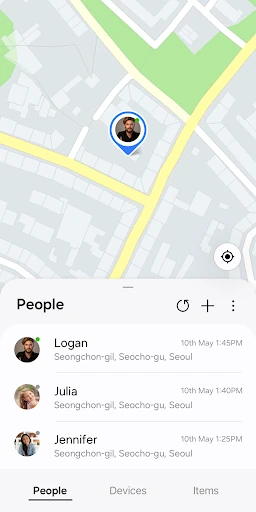
Samsung Find combines location sharing with tools for finding Galaxy devices and tagged belongings. Its People view lets you share your location with family or friends in your contacts, or see the location of people who choose to share with you. Sharing can be limited to a set period, which is useful if you only want to share for a particular outing or journey.
When it is useful
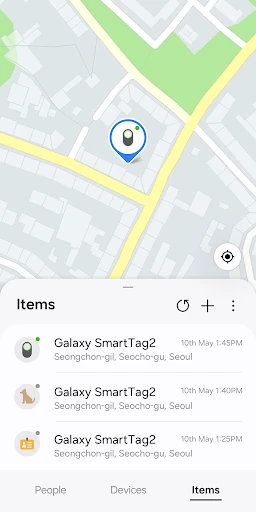
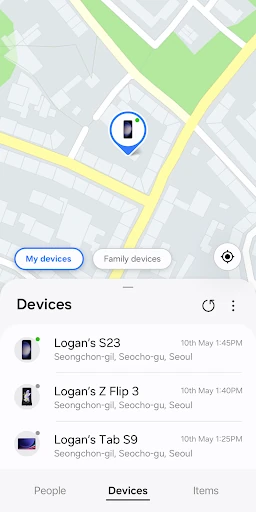
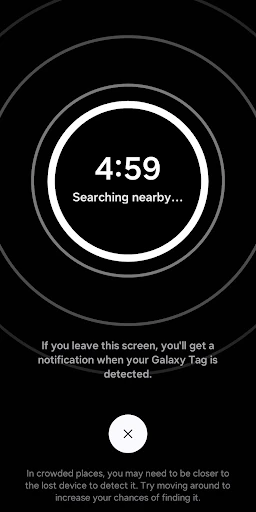
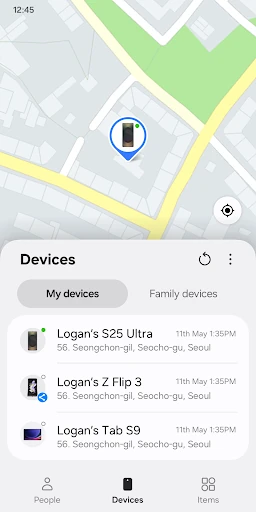
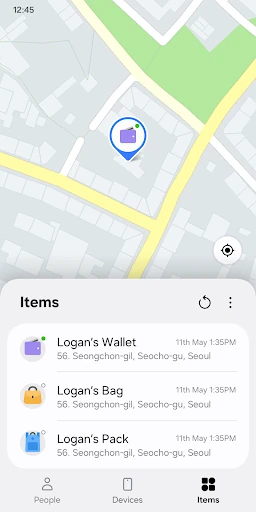
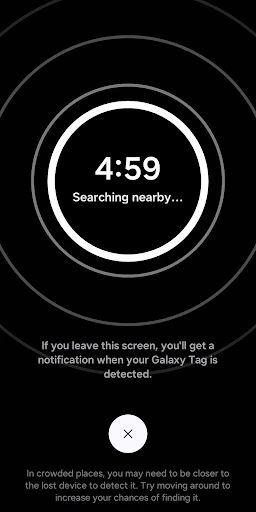
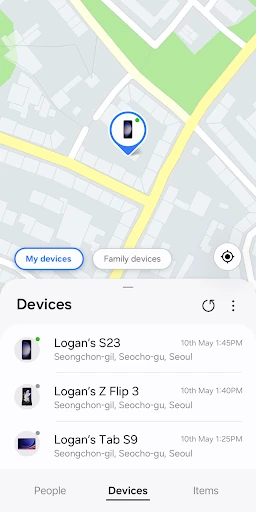
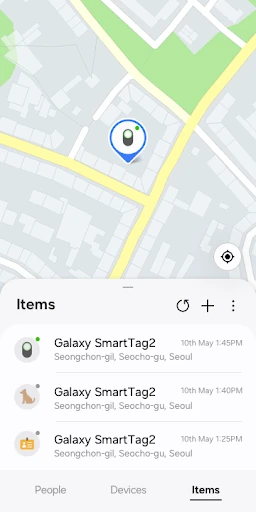
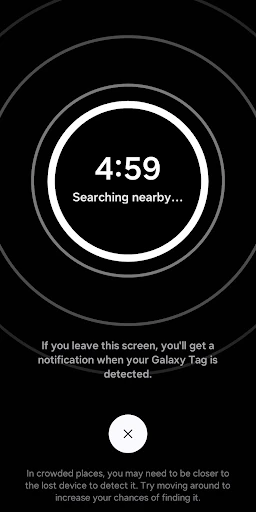
The Devices view can show the locations of compatible Galaxy phones, tablets, watches and Buds on a map. For nearby devices, you can search around you or make a device play a sound. Samsung’s Find website also offers ways to check a lost device’s location and battery information, and to lock it or clear its data. SmartTags registered in the app can help you keep track of attached items such as a bag or bike.
Who can skip it
This is most useful for people who already use supported Galaxy devices and want location sharing or a central place to look for them. Samsung says the app is available on Galaxy devices with One UI 2 (Q OS) or later. If you use another phone ecosystem, have no Galaxy devices or SmartTags to find, and do not want to share locations, there may be little reason to keep it.
Before you decide
Location sharing involves a real privacy choice, even when it is limited to selected people or a set duration. Agree on who can see whose location and when sharing should end. Samsung Find is published by Samsung Electronics Co., Ltd. It has a 4.08 rating from 3,356 reviews and 10,000,000+ installs. Those figures show broad use, but whether it suits you depends mainly on your Galaxy devices and your comfort with location sharing.