
Advertisement
Click to download now, finish the installation quickly, and directly unlock the all-round experience
Advertisement
Screenshots
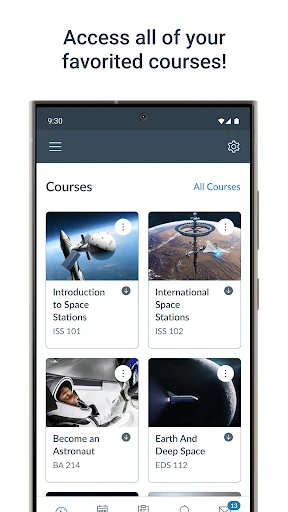
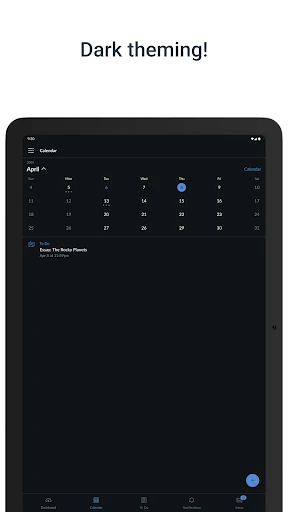
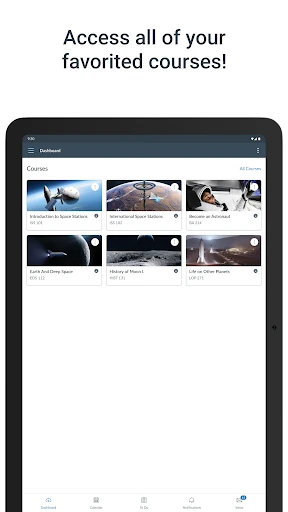
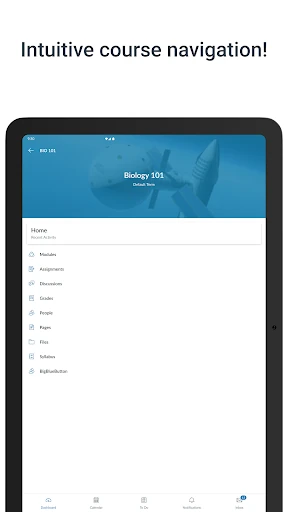
Click to download now, finish the installation quickly, and directly unlock the all-round experience
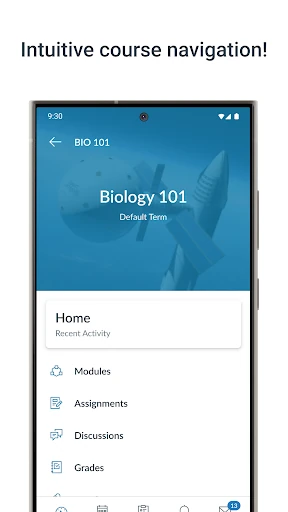
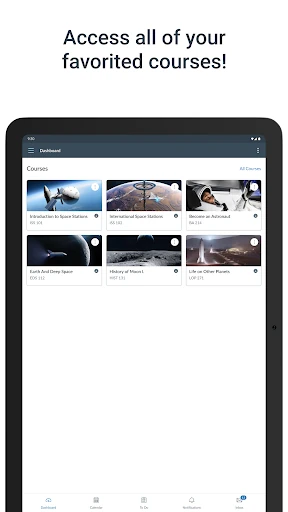
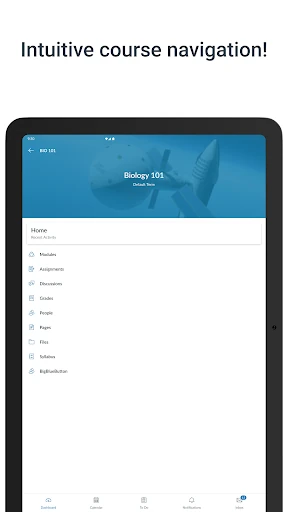
Canvas is Instructure’s education app for students using a school or college that runs its courses through Canvas. It brings course materials, assignment deadlines, grades and instructor feedback onto a phone, and lets students submit work from the app. It is most useful for keeping up with classes away from a computer, not for replacing the course itself: your institution needs to use Canvas, and what you can see depends on what it has made available.
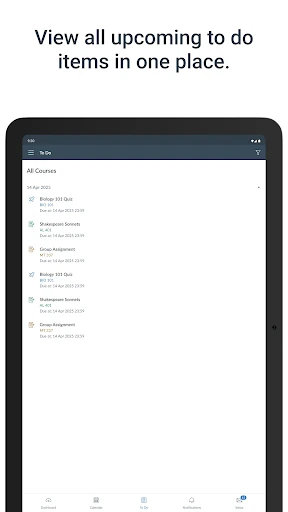
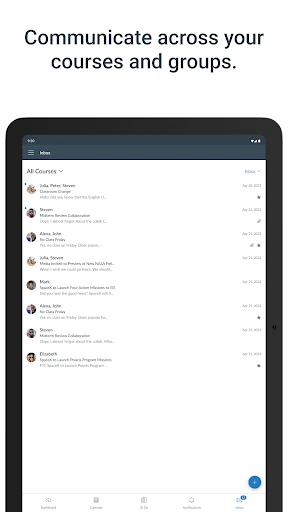
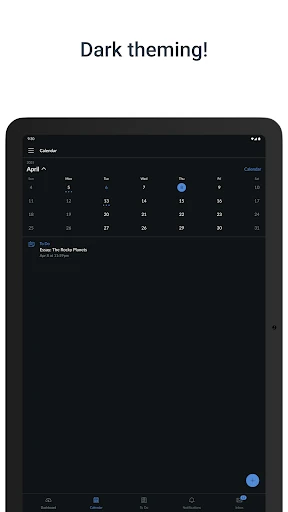
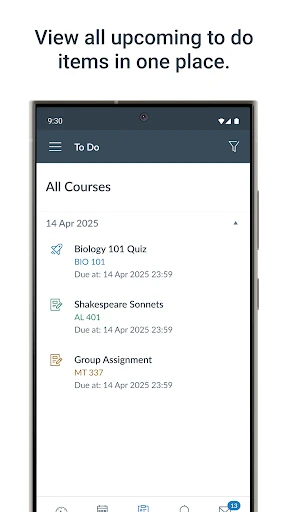
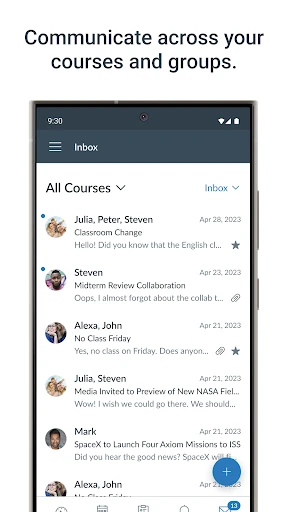
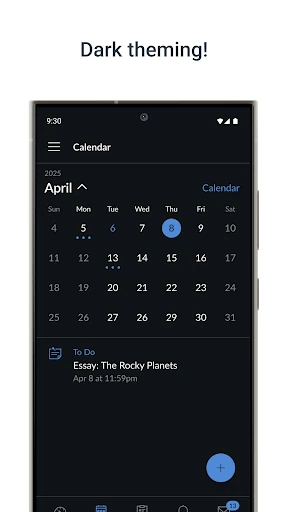
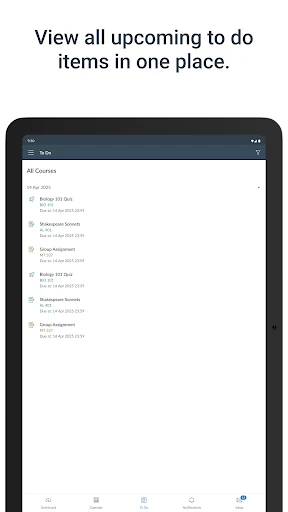
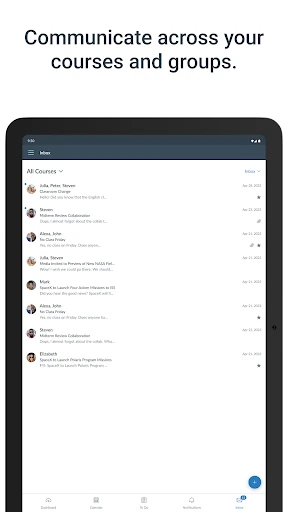
A calendar and To-Do list collect deadlines from enrolled courses, while messaging and discussion tools provide ways to contact instructors or take part in class conversations. Students can also view course videos and take quizzes in the app. Notifications can help surface changes such as new grades or upcoming deadlines, though they are a prompt to check the course—not a substitute for knowing when work is due.
A phone is handy for checking a due date, reading feedback or watching a short lesson. Longer readings, detailed assignments and navigating course materials may be more comfortable on a larger screen. Canvas also won’t help much if your school uses a different learning platform, or if you prefer to manage all coursework through a computer browser.
If your classes do not use Canvas, there is little reason to install it. For students who do use the platform, the app can make everyday course checks more convenient, but its value depends on how each instructor organizes their class. Canvas is rated 4.6 out of 5 from about 219,000 ratings and has more than 10 million installs; those figures suggest broad use, but your institution’s setup matters more than popularity.